
BANK WITH
CONFIDENCE
GET THE MOST OUT OF YOUR ACCOUNTS WITH EASY-TO-FOLLOW DEMOS, VIDEOS AND GUIDES.
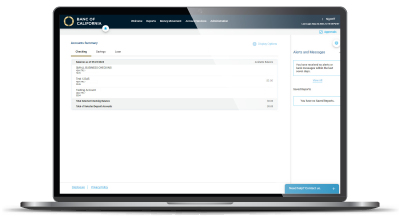
BUSINESS ONLINE DEMO
This self-guided click-through demo allows you to navigate a sample version of our Business Online platform at your own pace.
PERSONAL ONLINE GUIDES
BUSINESS ONLINE GUIDES
Login and Administration
Payments and ACH Originations
-
- Bill Pay
- ACH Origination & Approval
- ACH Origination Reference Guide
- ACH NACHA File Format Specification Guide
- International ACH NACHA File Format Specification Guide
- Sending a Wire Transfer
- Wire Template Address Field Update Guide
- Wire and ACH Recipient Management Guide
- Wire Import Guide
- FX Portal User Guide
Positive Pay
Lockbox
Remote Deposit Capture
AutoBooks
Routing Instructions and Cutoff Times
PERSONAL MOBILE GUIDES
BUSINESS MOBILE AND TOKEN APP GUIDES
Set up the Mobile Banking app
- Log in to Business Online and set up your new password.
- Search: Banc of California Business mobile app
- Log in to the app using your online banking credentials
- Business Mobile User Guide

Set up the RSA Authenticator SecurID mobile token app
If your company sends ACH and wire payments, you will use this app to approve payments.
- Log in to Business Online and set up your new password first.
- A QR code will display to prompt you to set up your token
- Search: RSA Authenticator (SecurID) app
- Open this app, and capture the QR code from within this app (not your camera app)
See First Time Login with Token Instructions for step-by-step details.